Systems / Cheque printing
Print your cheques on bank paper, with no handwriting
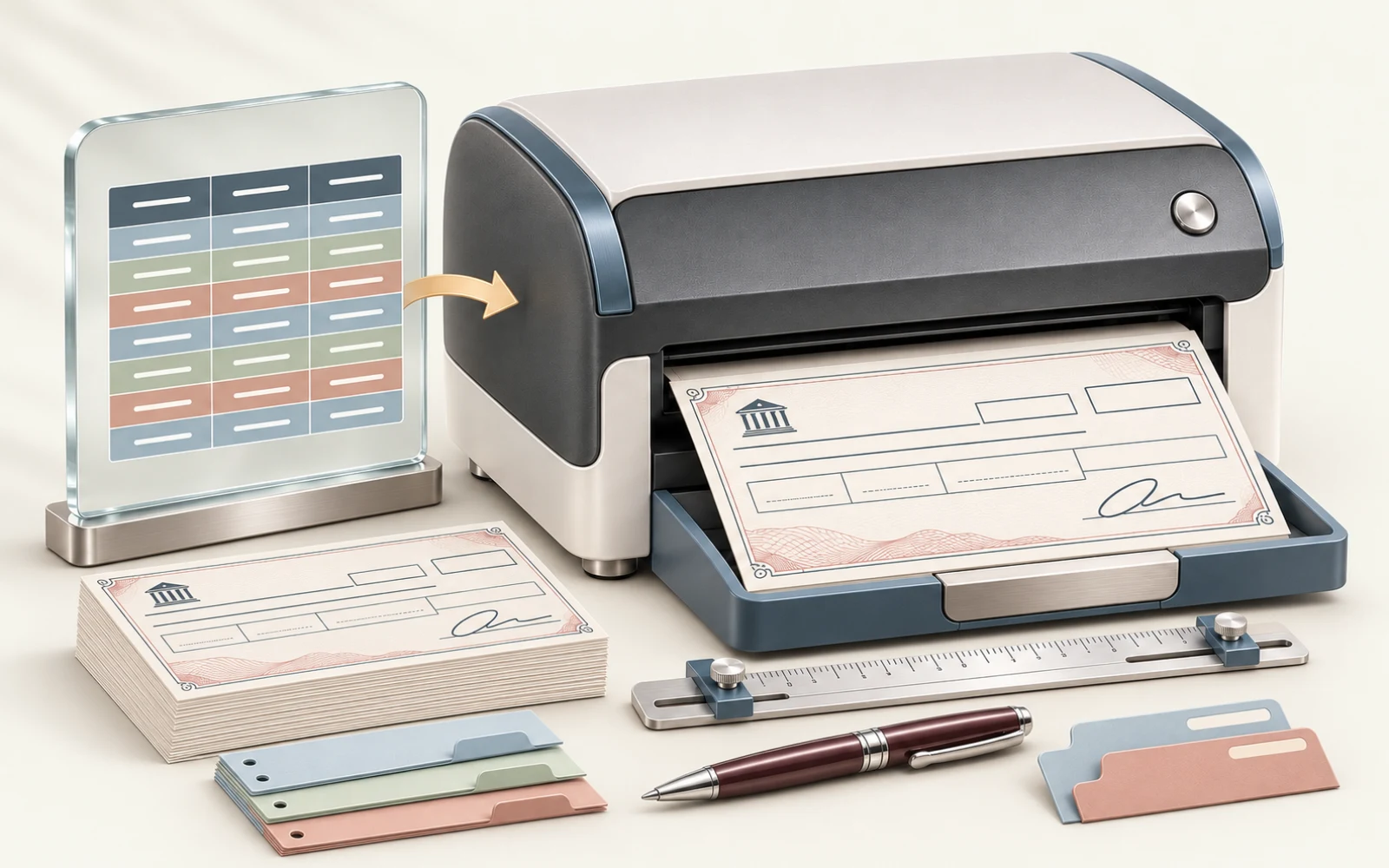
Enter the cheque details and the software prints them in the right positions on the bank’s paper, for one cheque or a whole batch from an Excel file. It writes the amount in words automatically.
- One cheque or an Excel batch
- Amount in words, Arabic and English
- Cheque data stays on your device
Why software for printing cheques?
Writing cheques by hand takes time, and one mistake in the amount or in its wording means writing the cheque again. With supplier payment runs, the same effort repeats dozens of times. The software fixes the print positions on the paper and writes the amount in words for you.
Who is it for?
- Accounts departments that issue cheques regularly.
- Companies that pay many suppliers on a recurring schedule.
- Anyone who wants to avoid mistakes in writing the amount in words.
What does it do?
Single cheque or full batch
Enter one cheque, or prepare a batch from an Excel file and check the count before printing.
Bank templates
Choose the bank and the template that matches its cheque paper. The list of banks and templates is on the software’s website.
Automatic amount in words
Writes the amount in words in Arabic and English, with more than one currency.
Adjust text positions
Move the text on the cheque and change its size and weight until it matches the paper.
Preview and alignment test
See the cheque before printing, and test your printer’s alignment before using cheque paper.
Runs on your device
It reads the Excel file and prepares the print locally, so cheque data stays on your device.
What you should know
- It is for printing only: it is not an accounting system and has no cheque register or reports.
- Price, licence terms, the list of banks and printer requirements are on the software’s website, which is the current reference.
How do you start?
-
Get to know it
This page gives you the overall picture: what it does and who it suits.
-
Try it on its website
The software’s website has an illustrated guide and a print trial before you buy.
-
Order it or ask us
Ordering happens on the software’s website. If you need it connected to your system, or need an accounting system, request a meeting.
Cheque Printing
Full details are on the software’s website
Available templates, printer requirements, price and how to order are all on the software’s separate website.
The software runs on a separate website, where you will find its details and terms.
Questions before you begin
Short answers to what people ask most before we start.
Is your question not here?
Request a meeting and we will answer for your own case.
Request a meetingDoes it support my bank’s cheques?
The available templates and printer requirements are set out on the software’s website. Check them there first.
Can I try it before buying?
Yes. The software’s website offers a print trial on your own printer, and sets out the details and conditions.
Is it an accounting system?
No. It prepares and prints cheques. If you need an accounting system or an integration with yours, talk to us about business systems consulting.
Does the software write the amount in words automatically?
Yes. The cheque printing software writes the amount in words in Arabic and English and supports more than one currency, so you do not write it by hand.
Can I print a batch of cheques from an Excel file?
Yes. You prepare the batch in an Excel file and review the count before printing, or you enter the details of a single cheque.
What if the print does not line up with the cheque paper?
You move the text on the cheque and change its size and weight until it matches the paper, and you test your printer’s alignment before using real cheque paper.
Is cheque data uploaded to the internet?
No. The software reads the Excel file and prepares the print on your own computer, so cheque data stays with you.
How much does the cheque printing software cost?
The price and licence terms are published on the software’s own website, which is the up-to-date reference for them.