Systems / Smart POS
Sales, inventory and purchasing in one system
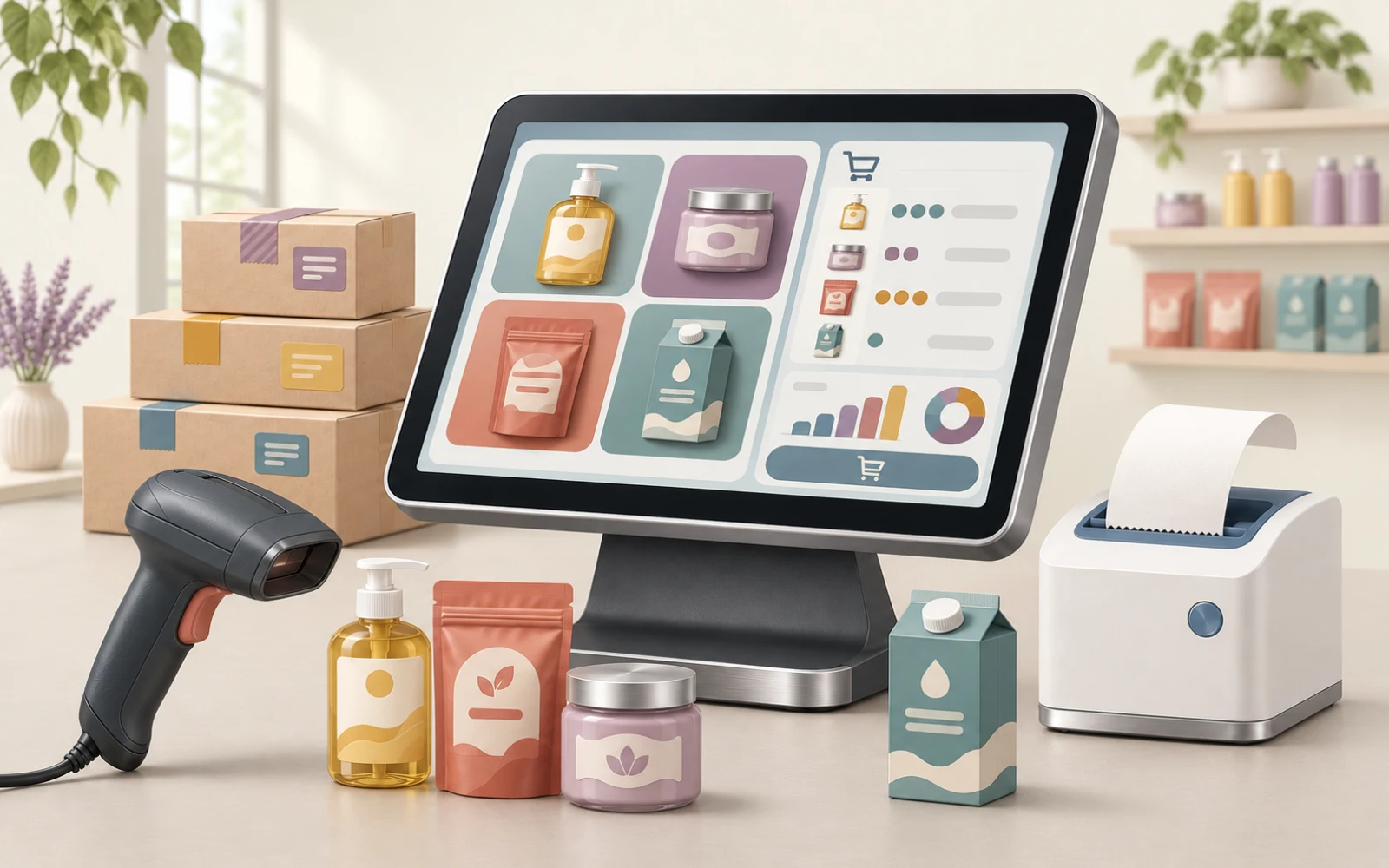
Smart POS is a point of sale and inventory system: invoices and returns, products and warehouses, customers and suppliers, reports and permissions. We set it up around how your store works and train your team on it.
- Point of sale and invoices
- Inventory and warehouses
- Setup and training for your business
Why one system for sales and inventory?
When sales are recorded in one place and stock in another, you only learn your real balance from a stock count. Linking sales, purchasing and inventory in one system means every invoice updates the balance and the end-of-day report is ready.
Who is it for?
- Stores that want a fast sales screen and organised invoices.
- Businesses with more than one warehouse that need to track and transfer stock.
- Owners who want clear reports on sales and expenses.
What does it do?
Point of sale screen
Fast selling, invoices and quotations, and recording returns.
Products and inventory
Manage products and warehouses, and transfer stock between them.
Purchasing and suppliers
Record purchases and keep supplier records.
Customers
Customer records and their transactions.
Expenses and reports
Record expenses, with reports that help you follow the business.
Users and permissions
Each employee has permissions that match their role.
What we define with you before starting
- The number of sales points, branches, warehouses and users.
- The devices, printers and payment methods you work with.
- Opening data: items, balances and customers.
- Any integration needed with an accounting system, or invoicing requirements specific to your country.
How do we start?
-
Tell us about your business
The number of branches, the kind of items you sell, and your main daily operations.
-
We review the fit with you
We walk through a real working day in the system: from receiving an item to selling or returning it.
-
We set up and train
We configure the system around how you work, load the opening data and train your team.
Smart POS — Sales & Stock
Let’s review your point of sale needs
Send a description of your business and the number of locations, or request a meeting to review the fit before any commitment.
You cannot buy from this page. Once we understand what you need, we set out the scope and cost in a quote.
Questions before you begin
Short answers to what people ask most before we start.
Is your question not here?
Request a meeting and we will answer for your own case.
Request a meetingDoes the system suit every business?
That depends on your operations, your devices and what you want it connected to. We review the fit with you before defining the scope.
Does the quote cover setup and training?
Yes. The quote sets out the licence, setup, data migration, training and support, each as its own item.
Do you have a fixed price?
No. Pricing is by request. We analyse what you need and plan delivery in stages, so your budget goes first to what helps you most.
Does Smart POS handle more than one warehouse or branch?
It manages products across more than one warehouse and transfers stock between them. We define the number of branches, points of sale and users with you before delivery.
Can Smart POS be connected to an accounting system?
We define any integration you need before we start, and review what your accounting system allows. We do not promise an integration before checking it.
Does it meet the e-invoicing requirements in my country?
Invoicing requirements differ from one country to another. We review your country’s requirements before defining the scope, and do not promise compliance before that review.
Can our items and balances be moved from our current system?
We agree the opening data with you: items, balances and customers. Data migration is its own item in the quote, after we review the state of that data.